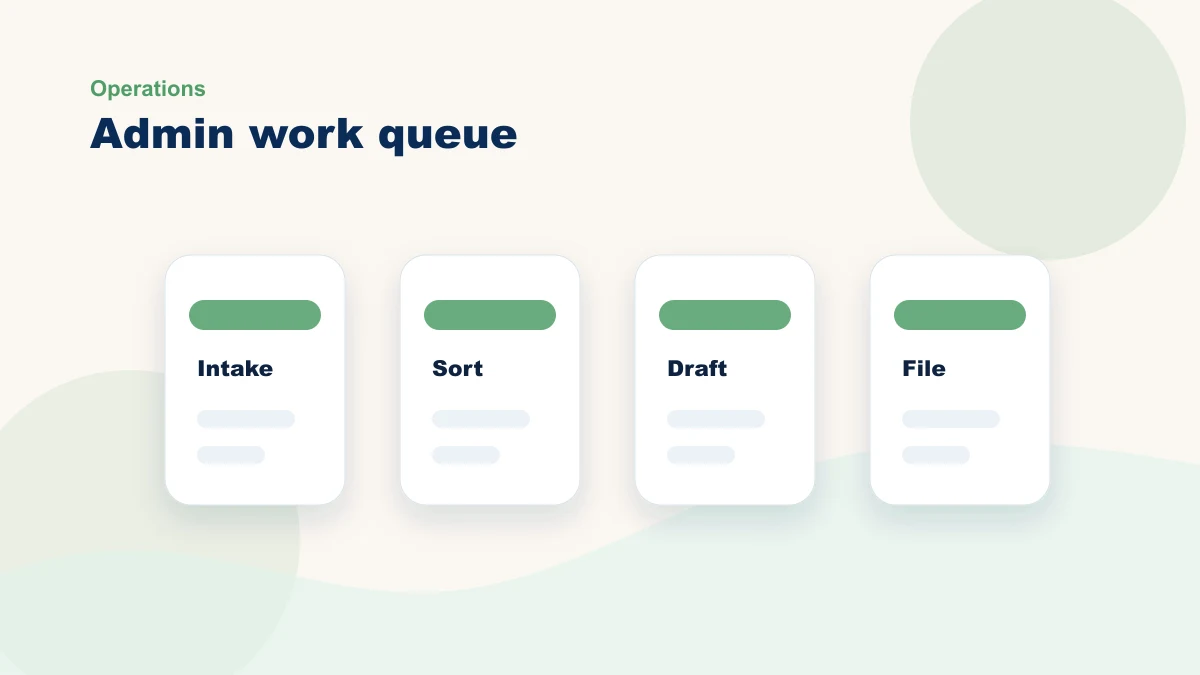
Admin work is the tax on running a business. It does not generate revenue, but it has to be done. For small business owners, this work crowds out time for real work, and the frustration is not the work itself but the fact that it keeps interrupting everything else.
AI can prepare parts of admin work that follow a pattern: drafting, summarizing, formatting, and sorting. Whether that helps depends on the quality of the input, the exceptions, and how much review the output needs. Measure those before predicting time back.
First, Audit Your Week
Before you ask AI to help, record the work as it happens. For three representative days, note each admin block, its input, the decision required, the person responsible, the exceptions, and the time spent on corrections or follow-up.
Three days will not produce a universal forecast, but it can reveal repeated handoffs worth observing longer. Separate mechanical preparation from approvals that still require context and judgment.
| Track this block | AI-friendly if... | Keep human-led if... |
|---|---|---|
| Email and messages | You answer the same question with similar language every week | The reply involves negotiation, apology, or customer trust |
| Reports and summaries | You copy information from notes, calendars, or spreadsheets into a standard format | You need to explain strategy or make a judgment call |
| Scheduling and coordination | The rules are clear and repeated | People, exceptions, or revenue priorities change the answer |
The first admin gain comes from separating work a system may prepare from decisions a person still owns.
Admin work AI may prepare
AI is not suitable for every admin task. The useful middle is structured enough to prepare and low-risk enough to review: the system drafts, sorts, summarizes, or formats; a person handles judgment and exceptions.
Use these four categories to find candidates, then measure the full preparation-and-review cycle:
- Drafting. Email templates, meeting summaries, invoice text, quote language, job postings. You review. You hit send.
- Summarizing. Meeting notes become action items. Receipts become expense categories. Feedback becomes a report.
- Formatting. Notes become structured documents. Lists become tables. Scattered information becomes organized data.
- Sorting. Emails get categorized. Expenses get sorted by project. Questions get routed by urgency.
Concrete candidates to test
For invoice descriptions, start with one approved template and a controlled source for customer, service, quantity, and price. Compare manual preparation with AI-assisted preparation plus verification. Never let the tool invent a line item or amount.
For calendar preparation, document rules such as admin blocks, meeting length, buffers, working hours, and protected time. AI may suggest slots from permitted calendar data; a person verifies participants, time zones, priorities, conflicts, and the final invitation.
For expense preparation, AI may extract candidate amount, date, vendor, category, and project from a permitted receipt image. A person verifies the source, tax treatment, coding, duplicates, and accounting-system entry. Compare full extraction plus review time with the current process.
For a weekly report, define the approved sources and format: wins, blockers, metrics, decisions, and next priorities. AI may prepare the structure; the owner verifies numbers, omissions, confidentiality, and the audience before sharing.
These examples look simple on the page, but the result depends on the source fields, prompt, tool access, exception rules, reviewer, and correction burden. Record the full cycle so a faster draft does not hide more verification work. If the repeated task is actually a process your team needs to learn, turn it into documentation with the SOP workflow instead of leaving it as another owner-only habit.
The Human Checkpoint Rule
Every AI-assisted admin task should have a human checkpoint. This is not paranoia. It is how you stay in control of your business.
The pattern is simple: AI drafts, you review, you approve or send. AI summarizes, you read it and fix what is wrong. AI routes a customer email, you read it before it goes out. You stay in the loop. You stay in charge.
Human review adds work by design. Measure whether AI-assisted preparation plus review is better than the current cycle, and keep external actions behind an explicit approval or documented non-AI rule.
How to Start This Week
Pick one admin task from the audit using frequency, source quality, review risk, and measurability. Map it before configuring a tool, test it in draft-only mode for enough repetitions, and move to live use only after the process owner accepts the result and exception path.
Check the tools you already use before buying another one. Compare their data handling, permissions, export options, review controls, costs, and fit with the mapped workflow; a general-purpose assistant may be enough for a draft-only test.
Once one task is stable and the measured result justifies keeping it, consider another. If you need a broader menu, compare your audit against 10 repetitive business tasks AI can help with.
When It Helps to Bring In a Second Set of Eyes
You can run this audit yourself. A second set of eyes is useful when two tasks look equally promising, the exceptions are unclear, or nobody owns the review checkpoint.
My role is to map the actual week, compare candidates, define the source and human checkpoint, and choose a metric before implementation. The outcome may be a workflow test, a process cleanup, or a decision not to add AI.
If that sounds useful, take a look at how I work with small businesses, or skip ahead and book a free 15-minute bottleneck review. Bring one admin task. We will map its input, AI-prepared step, human review, exceptions, and the baseline a first test would need to improve.