A small support inbox can still consume an owner's day: repeat questions arrive beside refunds, billing disputes, safety concerns, and unusual requests. Treating every message the same creates delay; automating every message creates risk.
Support can be a useful candidate only when the scope, source material, and escalation path are clear. The rule is simple: AI can draft and sort. AI should not decide or send.
Where AI Actually Helps in Customer Support
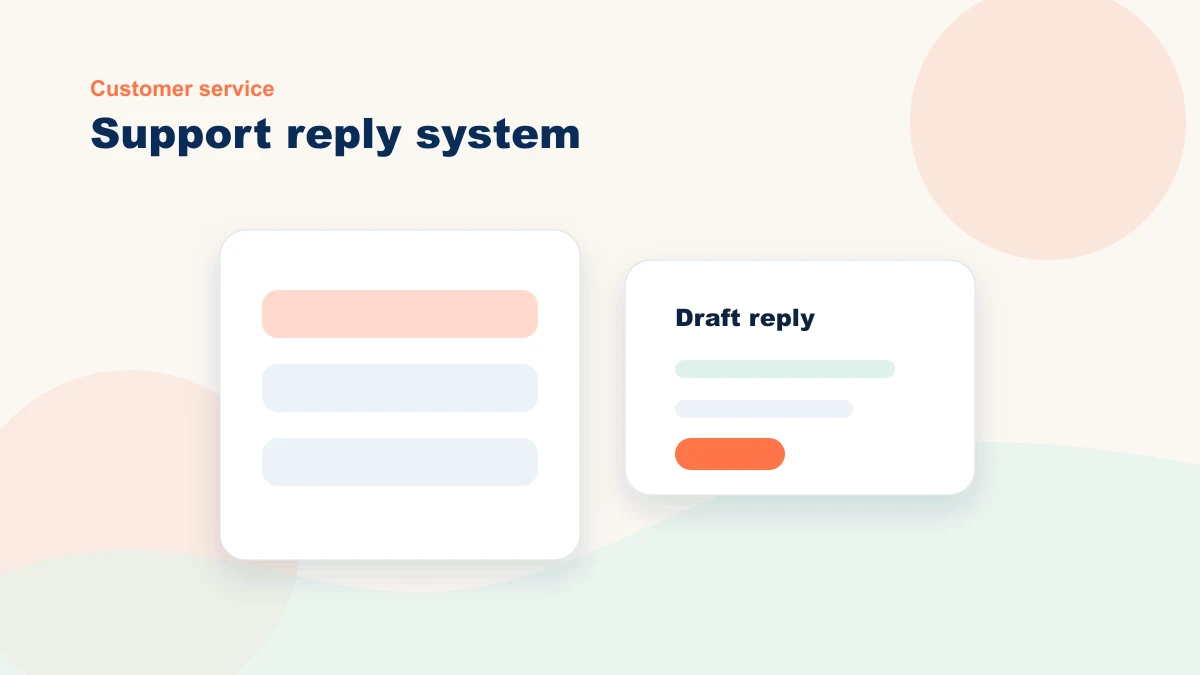
AI can help in three bounded preparation steps: surface approved FAQ answers, draft common replies for review, and propose an incoming-email category. A separate automation may send a neutral pre-approved acknowledgement after hours; AI must not invent its wording or decide exceptions. Each step needs source limits, data rules, ownership, and an escalation path.
Take FAQ support. AI can help prepare answers from approved policies and service pages, while the chatbot covers only questions supported by those sources. Anything ambiguous, personal, disputed, or high-stakes should stop and route to a person.
Drafted email replies work the same way. AI reads the incoming email and writes a draft based on your voice and your rules. You read it. If it is good, you send it with one click. If it needs work, you edit it and send it. A real person approves everything that goes out in your name.
The operating rule for AI in support is simple: AI may prepare a source-backed draft; a person keeps consequential decisions and external accountability.
Good Use vs. Bad Use: A Comparison
The line in this table separates preparatory work from consequential decisions. Define it before launch, then test whether the workflow reduces handling time without increasing corrections or escalations.
| Good AI Use | Bad AI Use |
|---|---|
| AI drafts an email reply based on your style | AI sends customer emails with no review |
| AI sorts incoming support by urgency | AI makes support decisions without escalation |
| AI answers FAQs on your website | AI says yes or no to customer requests without judgment |
| AI categorizes tickets by topic | AI promises service levels it cannot guarantee |
| AI sends after-hours acknowledgments | AI speaks in a tone that does not match your brand |
Protecting Your Brand Voice
Your customers chose you partly because of how you interact with them. They expect a certain tone, certain words, certain follow-up. If AI sends a message that sounds nothing like you, you have just confused your customer or — worse — made them feel like you do not care.
Give the workflow approved examples and explicit voice rules: formal or casual, concise or thorough, solution-focused or empathetic. Test new drafts against real messages and record the edits reviewers keep making. The brand voice system in How to Use AI While Protecting Your Brand Voice is the companion piece for this step.
Set Up Escalation Rules
Not every customer email gets a draft. Some emails need to go straight to you because they need judgment. Angry customers, unusual requests, product defects, billing disputes, and complaints all need a real person.
Define categories that route straight to the responsible person: complaints, refunds, urgent or safety issues, billing disputes, private account questions, and any message that needs a policy exception. Test routing on past de-identified examples; keyword matching alone can miss context.
| Escalate immediately when... | Why | Suggested rule |
|---|---|---|
| The customer asks for a refund, cancellation, or exception | Policy and relationship judgment matter | Flag urgent and draft only a neutral acknowledgment |
| The message mentions safety, legal, billing, or privacy concerns | A wrong answer can create real risk | Route to owner or trained manager without AI answer |
| The customer is confused after a prior reply | More automation may make trust worse | Assign a human response and note the failed answer for review |
Measure What Matters
Do not assume AI is helping. Record response time, review time, weekly message volume, FAQ deflection, corrections, escalations, and complaints. Compare the supervised test with a representative baseline over enough cases for the inbox volume and risk.
Compare response time, review time, correction rate, escalation rate, and customer feedback with the prior process. If speed improves while corrections or complaints rise, the workflow is not working. Revise or stop it before expanding.
Start Small and Expand
Do not roll out AI support across the whole business at once. Start in draft-only mode with one repeat-question category and approved source material. Choose an observation window with enough cases, record corrections and escalations, then decide whether categorization or a website FAQ layer deserves a separate test.
The order matters because voice rules, escalation conditions, data access, and review ownership all affect the result. Map the common tickets, trusted sources, draft rules, exception path, and baseline before you expand. If website chat is the next layer, read AI Chatbots for Small Business Websites before you launch one.
If you want a second set of eyes, review how I help small businesses build AI-assisted support or bring one repeat support category to a bottleneck review. We will separate source-backed drafts from messages that must go directly to a person.