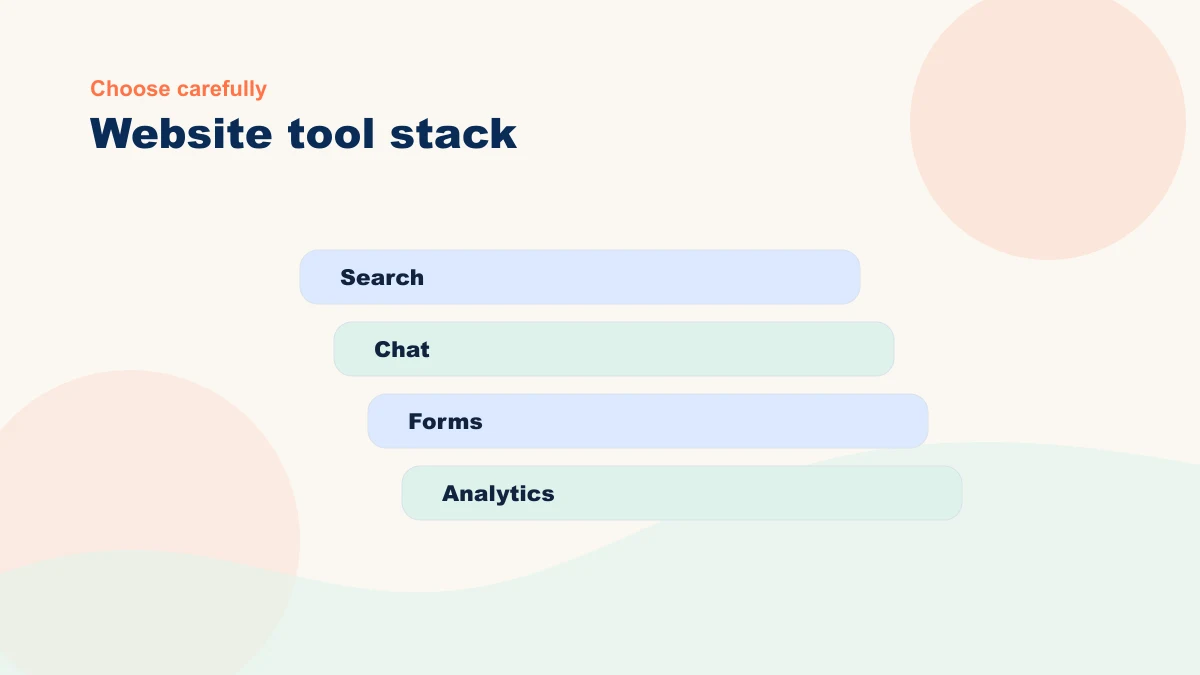
A tool can be capable and still be the wrong fit. Start with the repeated task, required source, human review, integration, and metric; then evaluate whether any tool deserves a test.
What Makes a Tool Worth Installing
The tool list changes constantly. Before you add one, ask three durable questions:
Does it solve a specific problem? Will it require regular work to maintain? Does it work smoothly with what you already have?
Three yes answers make the tool a candidate, not a purchase. Verify data handling, source control, human review, total cost, exit path, and the baseline it is expected to improve.
On-Site Assistant and Chatbot
The job: Answer FAQ questions without forcing visitors to email you first.
Why it may help: A narrowly scoped assistant can surface approved FAQ answers and show a clear path to a person. Measure whether it resolves supported questions without increasing wrong answers, repeat contacts, or abandoned handoffs.
What to avoid: Tools that hide their sources, make answers hard to update, or obscure the human handoff. Organize approved FAQ and policy content before comparing platforms.
Consider it when repeat questions create enough measured workload to justify setup, monitoring, and escalation. There is no universal inquiry threshold.
| Use case | Tool should do | Setup mistake to avoid |
|---|---|---|
| FAQ chatbot | Answer from approved site content and hand off quickly | Letting it invent answers when the FAQ is thin |
| Lead assistant | Ask qualifying questions and send the lead to your form or booking path | Collecting details you do not need or cannot follow up on |
| Product finder | Guide visitors by category, fit, and common buying questions | Using recommendations before your product data is clean |
For the design principles behind a useful assistant, read How Small Business Chatbots Work When They Are Done Right before comparing vendors.
Content Drafting and SEO Support
The job: Speed up writing for your blog, service pages, email follow-up, and product descriptions. Help you spot what keyword gaps your site has.
Why it may help: AI can prepare a draft or brief from approved source material. Track source preparation, drafting, fact-checking, voice editing, and approval together; do not assume the first-draft speed is the total gain.
What to avoid: Tools that trap source content, hide revisions, or promise unattended publishing. Keep the content portable, use a voice source, and require fact and claim review.
Consider it when publishing repeats often enough to measure and the team already owns the facts, examples, review, and final approval.
Personalization and Recommendations
The job: Show different content or products to different visitors based on what they have viewed or searched for.
Why it may help: A relevant recommendation can be tested against the current generic experience. Define the permitted signal, customer benefit, privacy basis, holdout or baseline, and metric before implementation.
What to avoid: Tools whose data requirements, logic, maintenance, or privacy impact you cannot explain. Let actual traffic and purchase volume determine whether a meaningful test is possible; there is no universal six-month rule.
Best suited for: Established ecommerce stores, content-heavy sites, or subscription businesses with deep libraries of resources.
Lead Capture and Follow-Up
The job: Automate email sequences that follow up with leads, qualify interest, and keep prospects warm.
Why it may help: AI can prepare variations from approved follow-up templates and current lead context. A person still owns qualification, promises, timing, and consequential sends. Measure total review effort and qualified follow-through.
What to avoid: Tools that write follow-up emails without your input. The email has to match your business and your lead. You write the template, AI helps with variations and timing. Treat "fully automated" sales claims as a warning. Before any sequence reaches real leads, define approved claims, stop conditions, human approval, test volume, and a manual fallback.
Best suited for: Service businesses, consultants, and B2B companies where the sales cycle is weeks, not minutes.
Build Before You Bloat
A small stack is useful only when each tool has a job. Pick one workflow, observe enough real cases to judge it, and add another tool only when the measured result and connection justify the added complexity.
Also consider: Do you already have something that does part of this job? Your email service might have basic automation. Your website builder might have a form tool. Do not double up. Use what you have, then fill the real gap.
An AI strategy review compares your site, current tools, workflow candidates, prerequisites, risks, and measurement. The result is a reasoned keep, test, connect, fix-first, or stop decision—not a promised savings figure.
Before You Install: A Reality Check
Ask yourself these questions before you sign up for any AI tool:
- Do I have the content in place for this tool to work? (FAQ for a chatbot, blog posts for a recommendations engine, etc.)
- Who owns maintenance, and what events or cadence trigger source updates, output review, and automation checks?
- Will this tool integrate with my email, forms, or booking system?
- Do I understand how it charges? (Monthly, per-use, license cost.)
- Can I turn it off if it does not work out?
If you cannot answer all of these clearly, wait. Start with the readiness check first to see if your foundation is in place. Ecommerce owners should also compare the rollout order in Ecommerce AI Setup for Small Online Stores. If the unknowns outnumber the answers, pause the purchase. Bring the workflow and current stack to a bottleneck review and turn the unknowns into prerequisites or test criteria.
Use the Live AI Workflow Studio
Describe one repeated task and get a structured workflow blueprint with human review, guardrails, and a measurable first test. No email address is required.
Use the Live Studio