Generic chatbots are easy to spot: they answer beyond their source material, hide the path to a person, or sound confident when they should stop. A useful chatbot has a narrow job, approved content, visible limits, and a human handoff designed before launch.
This guide shows how to define that scope, source, tone, handoff, and measurement so you can decide whether a chatbot deserves a supervised test.
Start with narrow scope
A useful first chatbot should not try to do everything. Narrow it to approved categories of repeat questions, such as pricing guidance, service availability, appointment preparation, general order-status guidance, common policies, or which page to visit next.
The narrower the scope, the easier it is to keep answers accurate. That matters more than sounding impressive. One of the first things I do in a consulting engagement is pull a list of the questions a business actually gets every week — from email, phone notes, and support tickets — and use that to define what the bot should and shouldn't try to answer.
If your site does not already have clear service pages, FAQ content, and reliable forms, pause here and run the AI website readiness check. A chatbot is only as strong as the source material and handoff path behind it.
Use your real content as the source
Chatbots should work from your actual FAQs, policies, service pages, product information, and support macros. If that source content is weak, the chatbot will also be weak.
That is why chatbot projects often begin with content cleanup, not chatbot configuration. Approved help pages can serve visitors directly and become controlled chatbot sources. Map the sources, owners, gaps, retrieval test, citations where appropriate, and escalation rules before testing the interface.
Design the handoff before launch
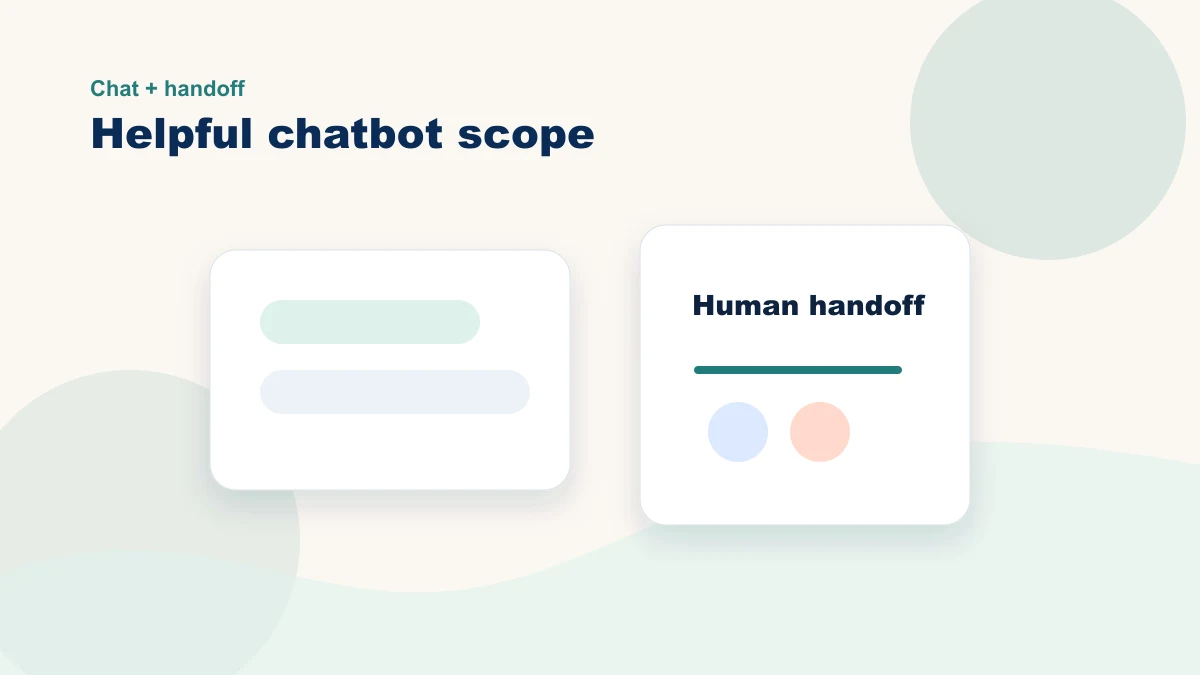
Good chatbots know when to stop. If a request involves nuance, payment issues, custom quotes, or a frustrated customer, the handoff to a human should be obvious and fast.
- Offer a contact option when confidence is low
- Pass conversation context into the form or inbox when possible
- Make support hours and response expectations clear
Design the handoff before writing bot responses. Name the categories the assistant may answer, the approved sources it may use, the cases it must stop on, and the person who owns escalation.
A small-business chatbot launch checklist
| Before launch | What to confirm | Why it matters |
|---|---|---|
| Source content | FAQs, policies, service pages, and product details are current | The bot cannot answer accurately from stale content |
| Escalation path | Visitors can reach a human quickly when the question is complex | Trust rises when the bot knows its limits |
| Privacy boundaries | The bot does not collect sensitive data it does not need | Less data exposure means lower risk |
| Voice and tone | Responses match the business, not the software vendor | Customers should feel like they are still dealing with you |
Tone matters as much as logic
Give the chatbot explicit voice rules and approved examples. Review for helpfulness, brevity, transparency, and fit; reject a draft that becomes clever at the expense of clarity or accuracy.
A chatbot should remove friction, not create a new layer of it.
What to measure
Look at support ticket volume on common questions, time-to-first-response, completion of high-intent actions, and whether more people get to the right next step without needing staff intervention.
Those metrics test whether the chatbot helps the business and the customer at the same time. Do not accept "messages sent" as proof; compare resolution, escalation accuracy, correction work, and customer completion with the baseline. If the chatbot handles support questions, compare the escalation rules with the customer service AI guide.
Where chatbot projects break down
If you have read this far, you probably already see the pattern. The chatbot itself is not the hard part — the hard part is the small-business reality around it: thin documentation, mixed brand voice across pages, unclear service boundaries, and no time to step back and design the experience properly.
A guided chatbot project starts with what you already have—your website, FAQs, policies, and customer questions—and turns it into approved source material that both the chatbot and staff can use. The tool comes after the knowledge and escalation map.
If that sounds closer to what you need than another software trial, bring one question category and the current source material to the review below.