What "AI Ready" Actually Means
Before you install a chatbot, add a content assistant, or sign up for the next AI-powered tool, take a step back. Being "AI ready" doesn't mean having the latest technology. It means your site has the clean data, clear structure, and working systems that let AI do its job well.
Think of it like plumbing before renovations. You can add beautiful fixtures, but if the pipes leak, you have a bigger problem than the fixtures can solve. The same goes for your website and AI.
A future AI layer needs organized source content, working forms, explicit data boundaries, and a human handoff.
Your 5-Point Readiness Check
Run this audit before spending on AI tools. A missing source, broken form, unclear offer, or absent measurement can be a fix-first dependency even when the rest of the site is strong.
- Clear service or product pages: Visitors know what you do and how it helps them. No confusion about pricing, who you serve, or what happens next.
- FAQ or common questions answered in writing: The main questions your customers ask should be findable on your site. AI can build on this; it cannot start from nothing.
- Working lead capture forms: If you add a chatbot or assistant, it should push leads somewhere that works. Email capture, contact forms, booking links all need to function.
- Basic analytics running: You should know what pages people visit, where they get stuck, and roughly how many visitors you get each month.
- Measured page performance: Record current mobile performance and protect it. Any AI feature must justify the latency and script weight it adds.
Score Your Site Before You Add AI
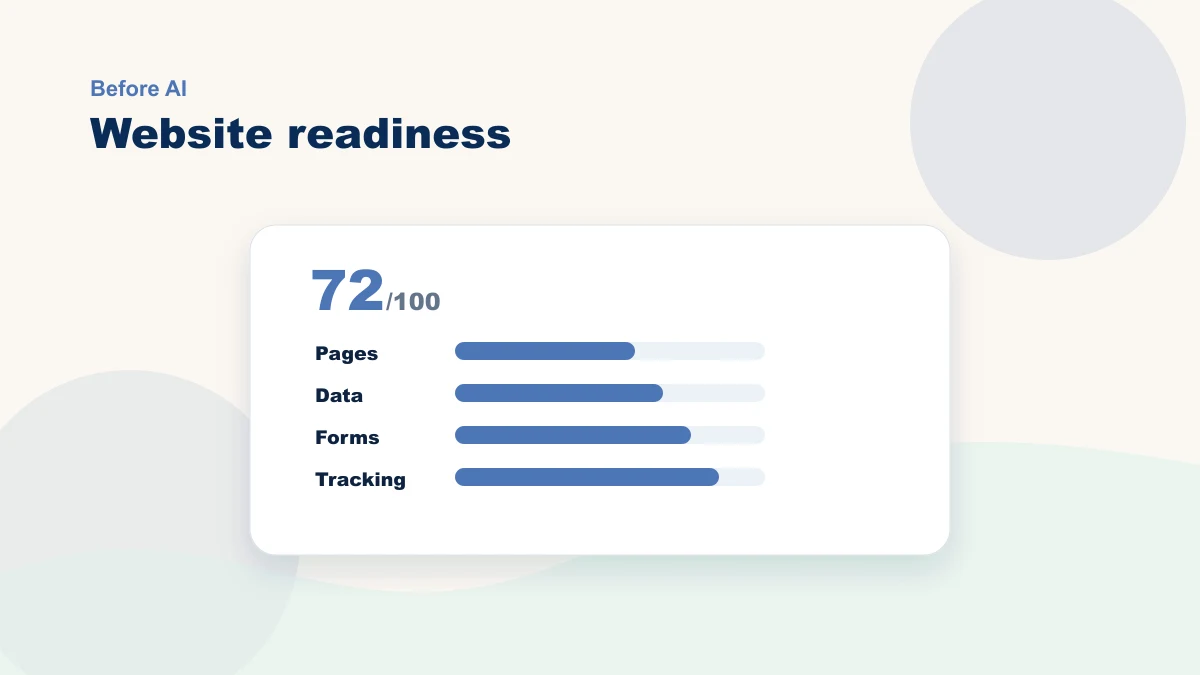
Give each area a score from 0 to 2: 0 means missing, 1 means partly there, and 2 means reliable enough for the proposed use. Use the total to compare gaps, but treat a broken critical dependency as a stop sign regardless of score.
| Readiness area | Score 0 | Score 2 |
|---|---|---|
| Offer clarity | Visitors must call to understand what you do | Each core service or product has a clear page and next step |
| FAQ depth | Common questions live only in email or staff memory | Top questions are written on the site and kept current |
| Lead capture | Forms are untested or send leads nowhere useful | Forms, confirmations, and follow-up paths work reliably |
| Analytics | No visibility into traffic or conversions | You can see which pages and forms drive action |
What AI Cannot Fix
AI cannot supply missing offer clarity, approved policies, reliable forms, or trustworthy source data. Fix those foundations before asking a tool to build on them.
A chatbot does not repair a confusing offer. If visitors cannot understand the service, audience, proof, and next step, adding a conversational layer leaves the underlying decision problem in place.
An AI content tool does not define the customer path. Map the offer, page sequence, call to action, form, follow-up, and measurement first. If customer data, form submissions, or purchase history are part of the plan, check the AI privacy guide before connecting tools.
A recommendation test needs enough relevant traffic or purchase history to compare outcomes. Let your actual volume and test design determine readiness; there is no universal visitor cutoff.
Ready for AI vs. Not Yet
| Ready for AI | Not Yet Ready |
|---|---|
| Service pages are clear and complete | Service pages are vague or outdated |
| FAQ or help content exists in writing | You answer questions only in calls or emails |
| Lead capture forms send data reliably | Forms break or do not trigger follow-up |
| You have enough relevant data for the proposed test | No analytics or very new site |
| Current mobile performance is measured and acceptable | Performance is unmeasured or already harms use |
| You know your core offer and audience | Your positioning is still unclear |
Three prerequisites to check first
If the readiness check found gaps, these three moves create the source and handoff an AI feature would depend on:
1. Write clear, complete service pages. Each service or main product gets its own page. It says what it is, who it helps, what it costs (or how to find out), and what happens next. No jargon. No assumptions about what the visitor already knows.
2. Document your FAQ in writing and make it findable. Do not keep your knowledge only in your head or in email threads. Write down the 10 to 20 things you get asked most often. Put them somewhere on your site that search engines and visitors can find. This content can become one approved source for a future assistant. Retrieval still needs testing, citations or source visibility where appropriate, stop conditions, and a human handoff.
3. Fix your lead capture and follow-up chain. Define a realistic confirmation target and state what happens next. Test the form, email, booking, and CRM handoff yourself; record failures and repair the source process before adding AI.
What Comes Next
Once the dependencies for a specific use case are reliable, you can test whether an AI feature earns its place. You might add a chatbot that answers FAQ questions, test simple personalization, or try a few focused AI tools for content and lead follow-up.
If you are not sure where to start, my services include a structured site and workflow review, and we can walk you through exactly what to fix first. Book a free 15-minute bottleneck review if you want to talk through your site and your options.