Where AI Fits in Your Ecommerce Store
AI can help a small online store in specific ways that free up your time and match how customers buy. It does not matter if you run your store on Shopify, a self-hosted platform, or any other system. The principles are the same: AI works on tasks that have patterns and that happen repeatedly.
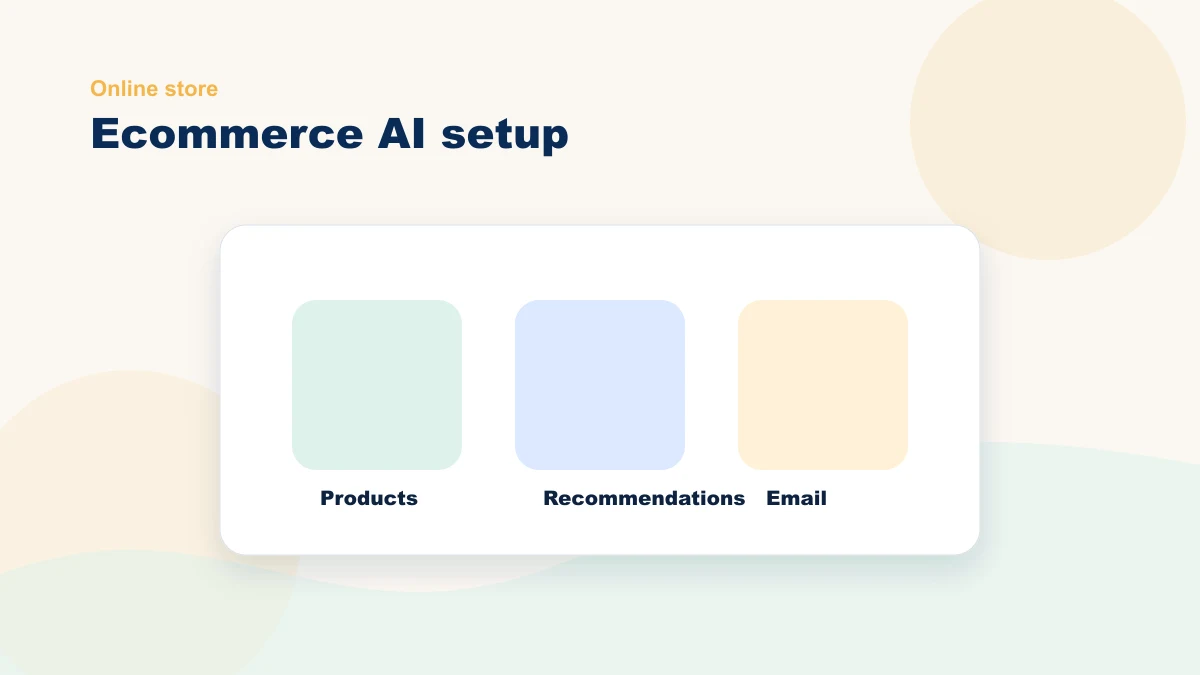
Common candidates include product-description drafts, search or recommendation tests, follow-up drafts, review responses, and FAQ support. AI prepares bounded output; people own product truth, price, policy, privacy, and final approval.
Start with the store workflow whose source, human check, and measurable result are clearest.
Five Priorities for Your AI Ecommerce Setup
Priority 1: Better Product Descriptions at Scale
For a catalog with thin descriptions, AI can prepare drafts from controlled product fields and approved voice rules. A person verifies specifications, materials, compatibility, claims, price, availability, and search intent. Longer copy does not guarantee rankings or sales; compare useful customer behavior and total review effort.
Priority 2: Smarter On-Site Search and Recommendations
Semantic search or recommendations may help when product data is clean and the query can be mapped to real attributes. Test relevance, zero-result searches, click-through, returns, and cart outcomes against the current experience; do not assume higher cart value.
Priority 3: Abandoned-Cart and Follow-Up Emails That Sound Human
AI can prepare follow-up variants from permitted cart or category context, approved timing, and an offer you set. Review consent, frequency, exclusions, voice, and the control group before judging whether the workflow helped.
Priority 4: Review Collection and Response
A system can send an approved review request after purchase and prepare response drafts from current policy and voice guidance. A person handles complaints, exceptions, remedies, and public promises.
Priority 5: Support FAQ Assistant
An assistant can surface answers to supported questions such as shipping or return policy from approved current sources. Order changes, missing context, disputes, and unsupported questions must route to a person.
Your Phased AI Rollout
Do not change several store workflows at once. Use separate supervised tests so workload, corrections, customer impact, and stop conditions remain observable.
First test: Choose a small, representative product set. Prepare drafts, verify every product fact and claim, and compare total effort plus customer behavior with the current pages.
Next decision: Expand only if the first test improves the chosen metric without increasing corrections. Treat cart follow-up as a separate workflow with its own consent, timing, review, and holdout.
Ongoing: Review performance, policy changes, source data, exceptions, and customer feedback. Add another workflow only when the current one is stable and the connection is justified.
Choose Tools by Workflow, Not Category
| Workflow | Tool capability to look for | Do not buy until... |
|---|---|---|
| Product descriptions | Bulk drafting, tone controls, and easy human review | You have product data clean enough to trust |
| Abandoned-cart follow-up | Segmentation, timing rules, and editable templates | Your cart and email tracking are working reliably |
| Recommendations | Category-aware suggestions and simple reporting | You have enough traffic or purchase history to learn from |
| Support assistant | FAQ source control, handoff, and order-status boundaries | Your policies are written clearly on the site |
Guardrails That Matter
AI is powerful, but it can make mistakes. Protect your business with guardrails on the tasks you automate:
- Never automate pricing. You set prices. AI should never change them without approval.
- Never automate inventory claims. If you say a product is in stock, it must be. Review your inventory data before you let AI reference it.
- Always review AI-written content once before it goes live. Descriptions, emails, and reviews should be checked by a human. AI is fast, but not perfect.
- Set tone guidelines for all AI output. Tell your tool whether you want playful or professional, casual or formal. Consistency matters.
- Keep a change log. Record what the AI prepared, what a person approved, and when. The log supports investigation and accountability; it does not replace legal, security, or platform requirements.
Baseline Each Ecommerce Workflow
| Task | Record before | Record during the test |
|---|---|---|
| Product descriptions | Source, drafting, fact-check, and publishing time | AI preparation, review, corrections, and customer behavior |
| Cart follow-up | Eligible carts, consent, sends, and conversion baseline | Review effort, complaints, unsubscribes, and holdout result |
| Review responses | Volume, handling time, and escalation types | Draft time, manager edits, promises, and public outcome |
| FAQ support | Repeat questions, response time, and escalations | Supported answers, wrong answers, handoffs, and repeat contact |
Getting Started This Week
Pick one task from the five priorities and commit to it. If you have a content tool already, start with product descriptions. If you have an email tool, start with abandoned-cart sequences. You do not need to buy five new tools. Use what you have and fill the gaps. After an observation window with enough repetitions, compare the full preparation-and-review cycle with the baseline. Keep, revise, or stop the workflow based on that evidence.
For ecommerce stores that want a custom rollout plan, we offer a strategic review of the store, traffic, product data, team bandwidth, privacy constraints, and workflow candidates. Book a free bottleneck review and we will plan your AI setup together. You can also explore how to test one personalization moment, what privacy guardrails matter, and what tools are available across all business types.
Use the Live AI Workflow Studio
Describe one repeated task and get a structured workflow blueprint with human review, guardrails, and a measurable first test. No email address is required.
Use the Live Studio