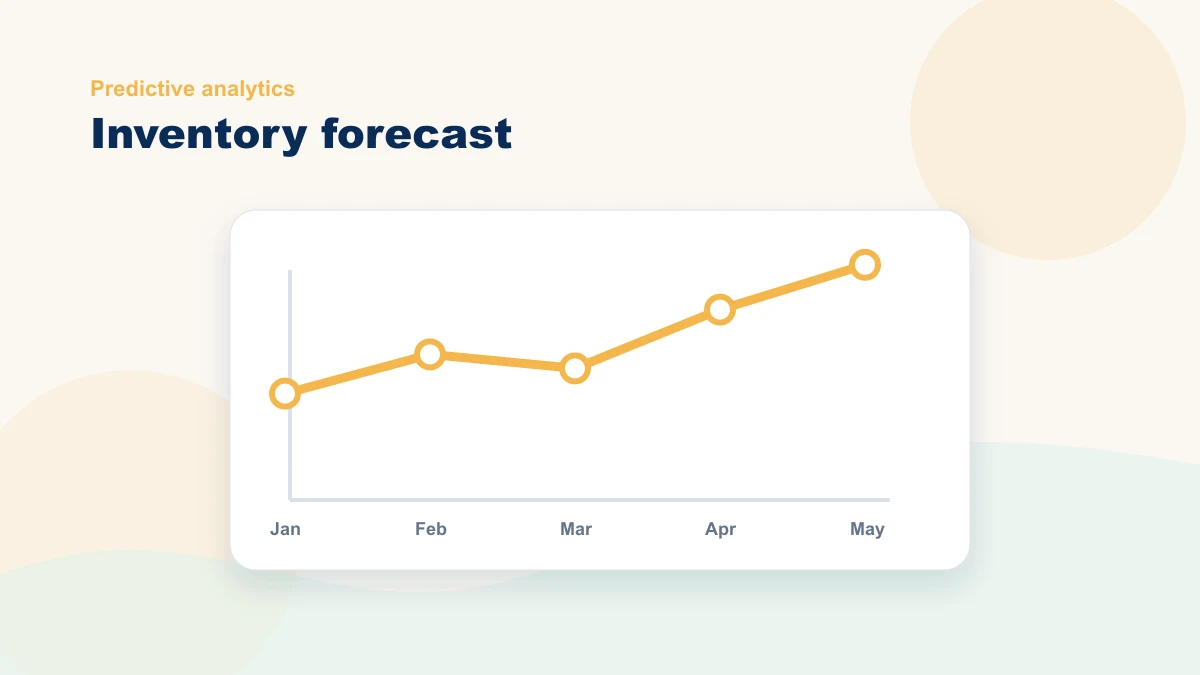
Predictive analytics can begin with a structured review rather than an enterprise forecasting platform. The working questions are: What may need attention? When is the next order decision? Which demand signal changed? A person still decides what to stock and buy.
The boutique scenario below is illustrative, not a reported client result. It shows how to group products, compare signals, flag exceptions, and define what a real pilot should measure.
Start with simple signals, not complex models
The temptation with predictive analytics is to jump straight to algorithms. For a small business, that's the wrong starting point. Begin with the signals you already generate every week:
- Sales history — whatever reliable period you have, with gaps and promotions documented
- Seasonality — monthly and weekly cycles
- Promotions — discounts, bundles, paid ads
- Local events — festivals, school calendars, tourism patterns
- Supplier lead times — and their reliability variance
Those inputs can support flags for unusual movement, slow stock, or a category that deserves review. They do not decide the order. Define which signals matter, their limitations, and the person who adds supplier, cash, promotion, and local context.
Service businesses can use the same thinking for technician capacity, parts, and seasonal demand. If inventory is only one part of a broader local-service workflow, compare this with AI automation ideas for local service businesses.
Turn patterns into decisions
A bounded AI role is to summarize approved signals for review. Candidate outputs include:
- Flagging items likely to run low before your next order window
- Surfacing products that tend to rise together (cross-sell opportunities)
- Highlighting where current trends diverge from last quarter's expectations
- Pointing out slow movers eating up shelf space and cash
A "perfect forecast" is not the target. The pilot should test whether reviewed signals improve a real ordering decision enough to justify data preparation, correction, and maintenance.
If you want a second set of eyes, bring de-identified category-level history, supplier lead times, and known events to a bottleneck review. Do not send customer-level or sensitive data through the contact form.
Use the Live AI Workflow Studio
Describe one repeated task and get a structured workflow blueprint with human review, guardrails, and a measurable first test. No email address is required.
Use the Live StudioIllustrative example: a boutique retailer
Imagine a boutique with roughly 400 SKUs and 18 months of order history. Reorders rely heavily on memory, slow movers tie up cash, and the weekly ordering decision requires too much spreadsheet cleanup. The numbers below illustrate a workflow design, not a client claim.
An illustrative pilot could do three things:
- Group the 400 SKUs into practical categories. Category review reduces the number of decisions, but it may hide item-level changes. Test groupings against the decisions they must support.
- Compare weekly sales velocity per category with the same week in the prior year and the trailing four-week average, while marking promotions and gaps.
- Use AI to summarize candidate shifts — an illustrative ±20% threshold can flag categories for human review, but a real threshold must fit volatility, margin, lead time, and stockout risk.
The weekly summary would be reviewed for four candidate patterns:
- Slower movers that need price action or reduced reorders
- Products that surge during local event weekends
- Items with repeat purchase behavior worth bundling
- Product pairs that tend to sell together
A real pilot would compare whether those reviewed signals improve ordering decisions and total workload. The illustrative scenario does not claim that they will.
| Signal | Decision it informs | Review rhythm |
|---|---|---|
| Trailing 4-week sales velocity | Whether to reorder, hold, or mark down | Weekly |
| Lead time variance | How much safety stock is needed | Monthly |
| Promotion and local event calendar | Which categories need early replenishment | Before each campaign or event |
What a 90-day pilot should measure
Record the baseline and compare:
- Stockout frequency for the items or categories selected
- Cash committed to chronic slow movers
- Late or emergency reorder events
- Total preparation, review, and decision time each week
The pilot succeeds only if the measured decision process improves enough to justify its data preparation, review, and maintenance.
Where the inventory workflow can break
Watch three failure points:
- Category design. Pick the wrong groupings and the patterns disappear into the noise.
- Tool sprawl. Multiple tools can add exports, reconciliation, permissions, cost, and failure points that exceed the value of the signal.
- Inconsistent rhythm. Without an owner, scheduled review, and decision log, the data and thresholds can go stale.
Category design, tool sprawl, and an inconsistent review rhythm should be addressed before more forecasting complexity is added.
Human judgment still matters
Forecasts need context that AI can't see: a planned promotion, a supplier on backorder, a competitor closing down the street, a local event the model doesn't know about. That's why predictive analytics should support decision-making, not replace it.
Better inventory forecasting is usually about clearer signals, not perfect certainty. The goal is fewer surprises — not a crystal ball.
What success looks like
For a small business, "success" with predictive inventory analytics is unglamorous and very specific:
- A reliable weekly reorder rhythm
- Stronger availability on the items that drive your revenue
- Less cash trapped in slow movers
- More confidence — and less anxiety — when you place an order
If you want a second set of eyes, bring de-identified category history, lead times, and known events to a free 15-minute bottleneck review. We will map the signals, human decision, and metric for a bounded pilot.
Frequently asked questions
Do small businesses really need predictive analytics for inventory?
Begin with a structured review of available demand signals. Consider an enterprise forecasting tool only when the decision value, data quality, operating process, and added complexity justify it.
What data do I need to start?
Start with reliable sales history, supplier lead times, and known promotions or seasonal events. Document gaps and use the first review to learn whether the signal is strong enough.
Should I forecast every SKU individually?
Usually not. Group products into practical categories first, find the patterns that matter, and only zoom into individual SKUs where the cash impact justifies the extra effort.
Can I do this without hiring a consultant?
Yes. The framework is intentionally lightweight. Bring in help when category design, data quality, tool selection, or the decision rules require expertise the team does not have.