Personalization becomes useful when one permitted signal changes one message at a moment that matters. Start with a clear purpose, the minimum data needed, a relevant customer benefit, and a result you can compare—before adding a larger stack.
Start with behavior, not surveillance
You may not need a customer data platform to test personalization. A page visit, category, prior purchase, or form answer can be enough only when its collection and use are permitted, expected, documented, and limited to the stated purpose.
Those inputs can guide a product suggestion, follow-up draft, content recommendation, or page variation. The decision comes first: which signal is appropriate, what value does the customer receive, who reviews the message, and what result would justify keeping it?
If your site is missing clean service pages, useful product categories, or a reliable form flow, fix that first. Personalization cannot rescue a confusing website. Use Is Your Small Business Website Ready for AI? as the readiness check before you wire new logic into the customer journey.
Choose a few moments that matter
- Product recommendations after a first purchase
- Email follow-up tied to product category or service interest
- Landing page content based on audience segment
- Support guidance based on what someone already viewed
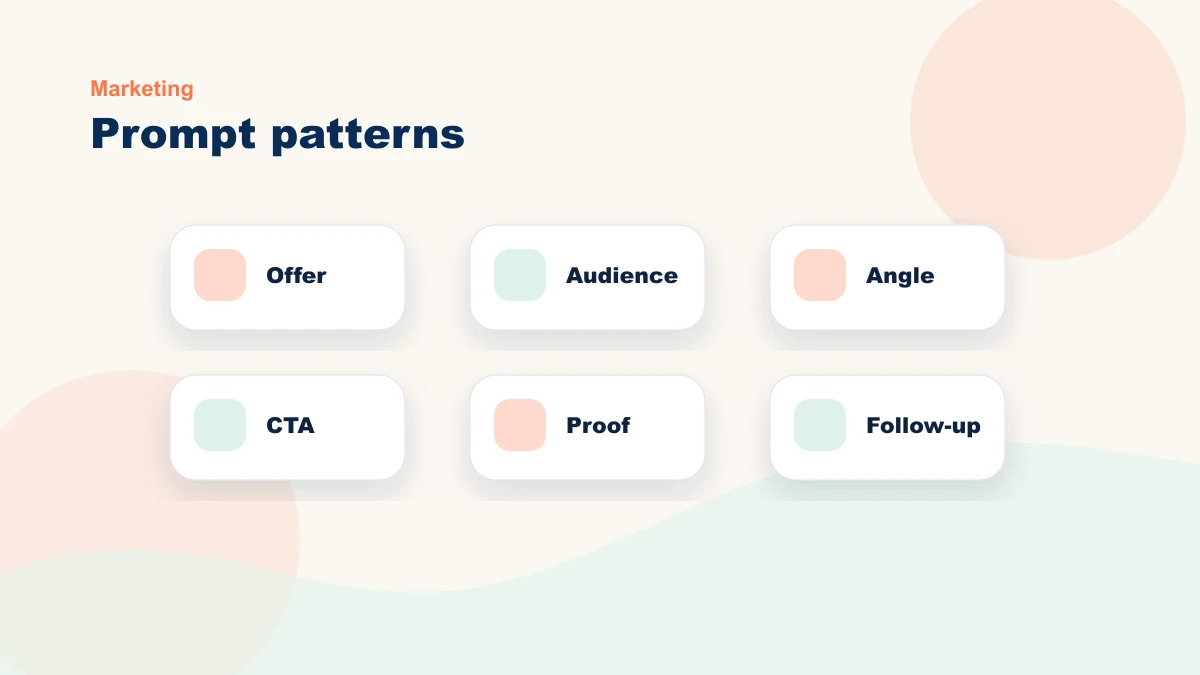
The point is not to personalize everything. Pick one moment, state the expected customer benefit, compare it with the current experience, and expand only if the measured result and privacy review support it.
A simple personalization workflow to start with
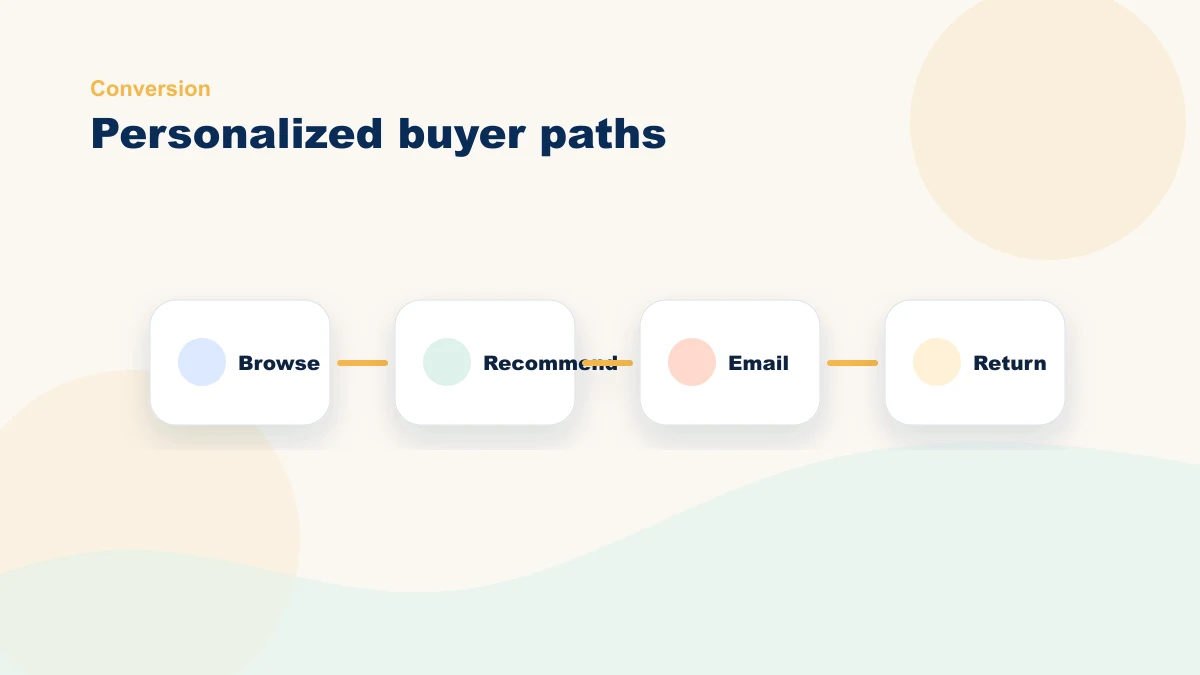
The easiest first workflow for many small stores is a category-based follow-up. It does not require complex tracking, and it feels helpful because it responds to something the customer already did.
- Pick one signal. Start with a product category viewed, product category purchased, quote form topic, or abandoned cart category.
- Choose one next step. Send a follow-up email, recommend a related product, show a service-specific FAQ, or route the lead to the right checklist.
- Write the message in plain language. The customer should feel helped, not tracked. "Here are compatible parts from our approved catalog" is clearer than "We noticed everything you clicked."
- Set a holdout or baseline. Compare against the current generic email, page section, or follow-up sequence.
- Review after 30 days. Keep the workflow only if it improves a real number, not just because the tool looks clever.
For ecommerce stores, this pairs naturally with the priority-setting process in Ecommerce AI Setup for Small Online Stores. For service businesses, the same idea applies to quote requests, service categories, and follow-up emails.
If you are not sure which funnel moment deserves a test, book a free 15-minute bottleneck review. Bring the current path and available data; we will map one personalization hypothesis, its human check, and the metric that could disprove it.
Use the Live AI Workflow Studio
Describe one repeated task and get a structured workflow blueprint with human review, guardrails, and a measurable first test. No email address is required.
Use the Live StudioKeep the message human
AI can help generate personalized drafts or recommendations, but a human still has to define tone, voice, and business judgment. If the message sounds like it was assembled from fragments, trust drops fast — and so do conversions.
A big part of what I do for clients is build prompt templates and content workflows that sound like them, not like a generic chatbot. Your brand voice is an asset; AI should amplify it, not flatten it.
| Personalization idea | Useful version | Risky version |
|---|---|---|
| Product recommendation | "Customers who bought this starter kit often add these refills." | Showing unrelated high-margin products because the tool can. |
| Service follow-up | Sending a checklist based on the service category the person asked about. | Pretending the email was personally written when it was fully automated. |
| Website content | Showing a first-time buyer guide on category pages with lots of comparison behavior. | Changing every headline based on assumptions you cannot explain. |
Measure lift, not novelty
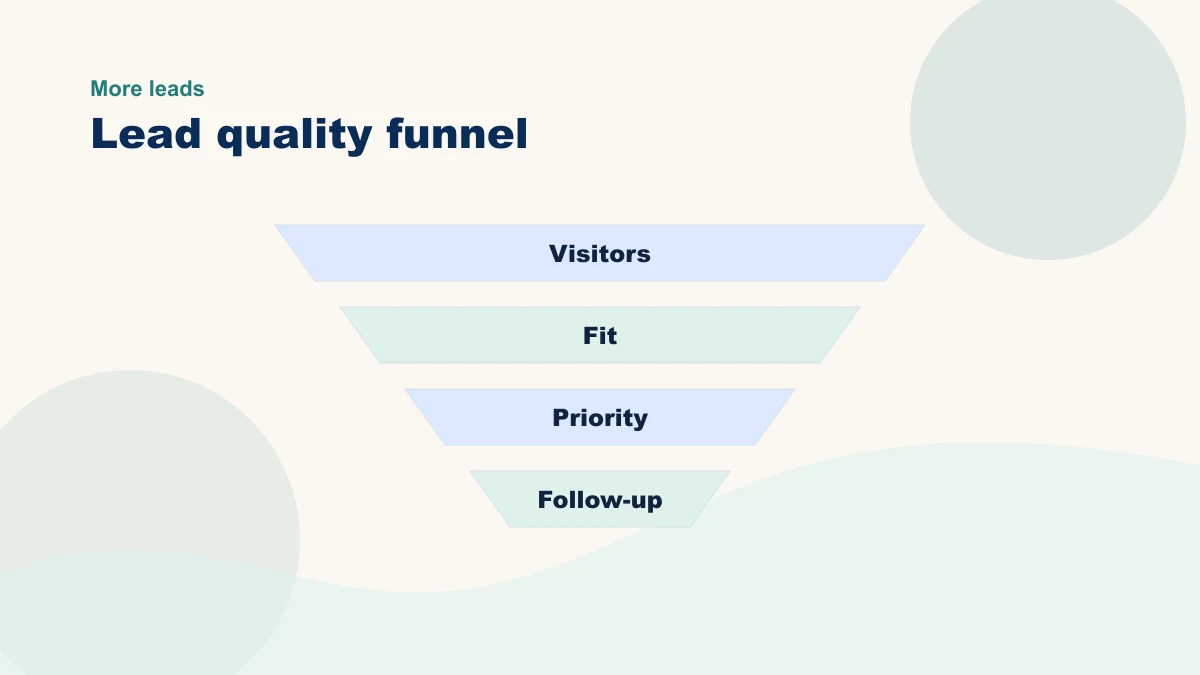
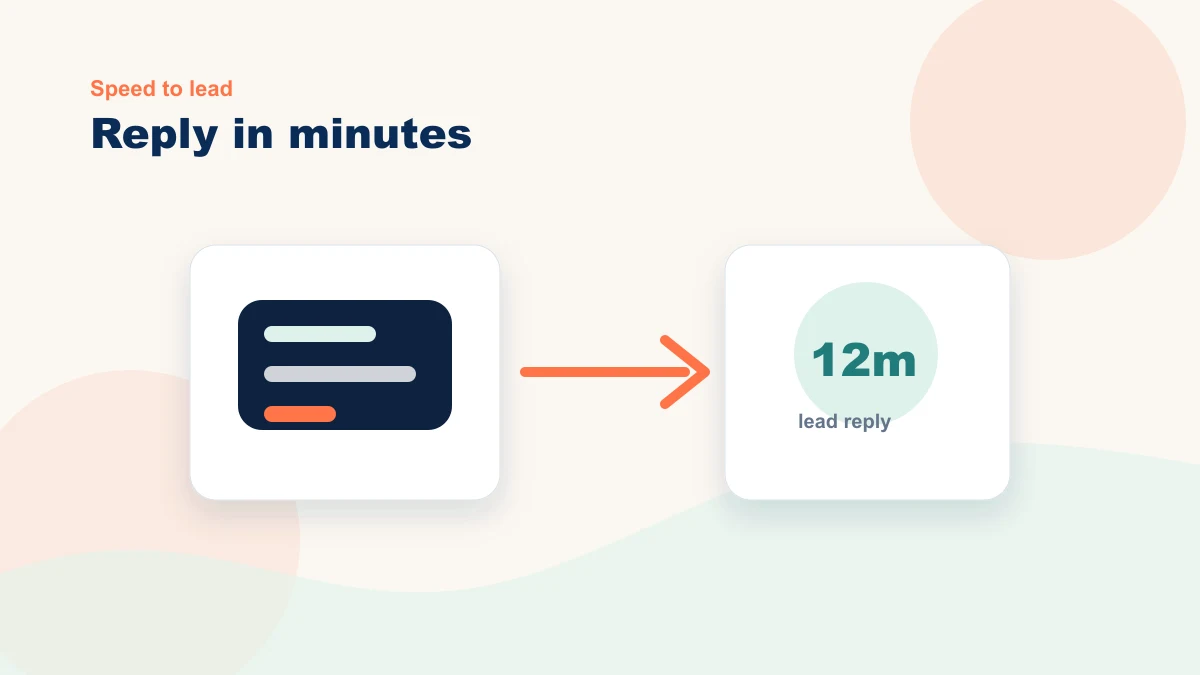
The right questions are simple: did personalized follow-up improve clicks, repeat purchases, demo requests, or quote completion? If not, simplify the logic or revisit the offer. Without a baseline and observation plan, a team cannot tell whether the personalized moment changed a useful number. Define the measurement before choosing the tool.
| Workflow | Primary metric | Useful secondary check |
|---|---|---|
| Category-based follow-up email | Click-through rate or reply rate | Unsubscribe rate stays flat |
| Post-purchase product recommendation | Repeat purchase rate or add-on revenue | Return/refund rate does not increase |
| Personalized quote-request guidance | Completed forms or booked calls | Sales team says inquiries are better qualified |
Useful personalization starts with a permitted signal and a relevant next step—not with how much data the business can collect.
Good personalization respects trust
Be careful with sensitive data, keep the logic easy to explain, and make sure customers are not surprised by how much you appear to know. Relevance should feel useful, not creepy. Do not copy a large-brand tactic without checking consent, data provenance, explanation, access, retention, and whether the signal is appropriate for this customer moment.
Keep customer data choices simple: avoid sensitive fields unless you truly need them, document what each tool can access, and make sure your privacy language matches what the workflow actually does. The plain-English guardrails in Is AI Safe for Small Businesses? are worth checking before you connect personalization tools to customer records.
FAQ: AI personalization for small businesses
Do I need expensive personalization software?
Not at first. Many small businesses can test useful personalization with ecommerce email segments, CRM tags, form topics, or simple website content blocks before buying a dedicated tool.
What is the safest first test?
Start with follow-up tied to a clear customer action, such as a category purchase, quote request, or abandoned cart. It is easier to explain, easier to measure, and less likely to feel invasive.
How do I know if personalization is worth expanding?
Expand only after one workflow improves a business metric across enough reviewed repetitions for its volume and risk. If the lift is unclear, simplify the message, improve the offer, or fix the page before adding more automation.
Can a chatbot be part of personalization?
Yes, but only if it is trained on real site content and has clear boundaries. A chatbot should guide visitors to useful answers, products, or forms. The setup principles in AI Chatbots for Small Business Websites apply here too.
Where personalization projects break down
A personalization project needs sequencing. Choose one permitted signal, one customer moment, one reviewed message, and one measurement. That bounded design is easier to inspect and stop than a rollout that changes several tools and moments at once. The broader tool-selection filter in How to Choose AI Tools for a Small Business Website in 2026 can help you avoid buying software before the workflow is ready.