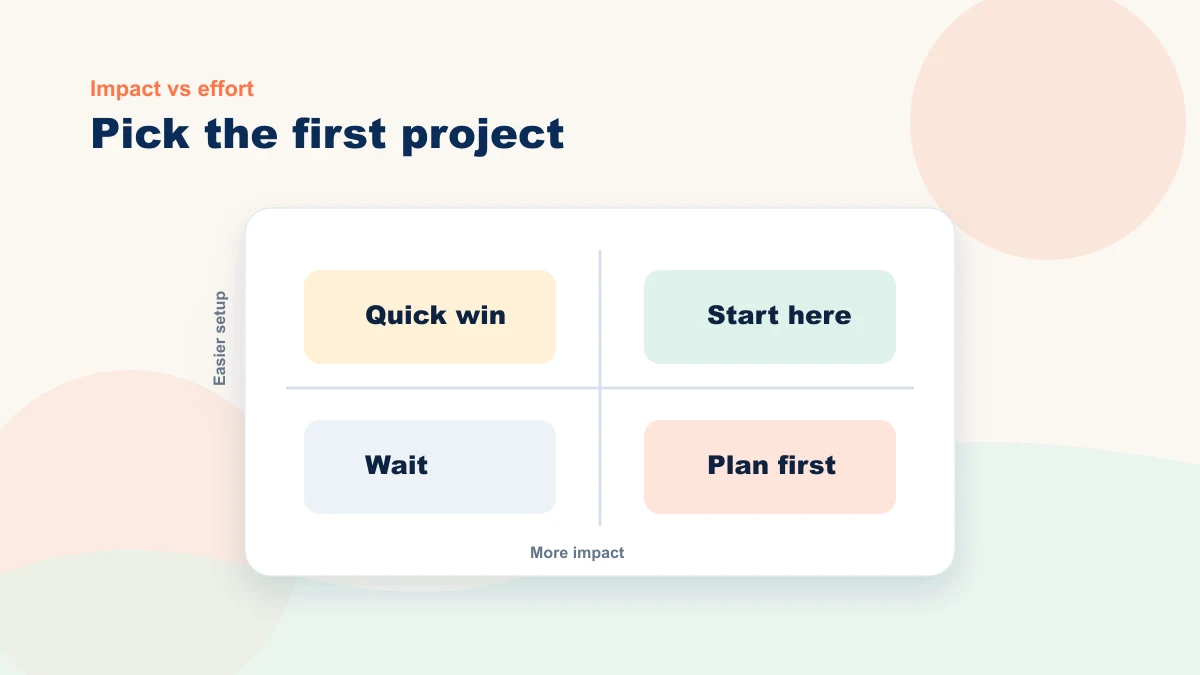
The best first project is not the most exciting or the one a vendor guarantees. It is the smallest useful workflow that can produce evidence without handing an important decision to the tool.
An ambitious first project hides dependencies: source cleanup, integration, permissions, training, exception handling, and measurement. A smaller workflow exposes those requirements while the cost of changing direction is still low.
A strong first project is bounded enough to finish, clear enough to review, and frequent enough to observe. It does not have to prove that “AI works.” It has to show whether this workflow is worth keeping in your business.
Four Criteria for a Good First Project
Not every task is worth testing first. Compare candidates on four things:
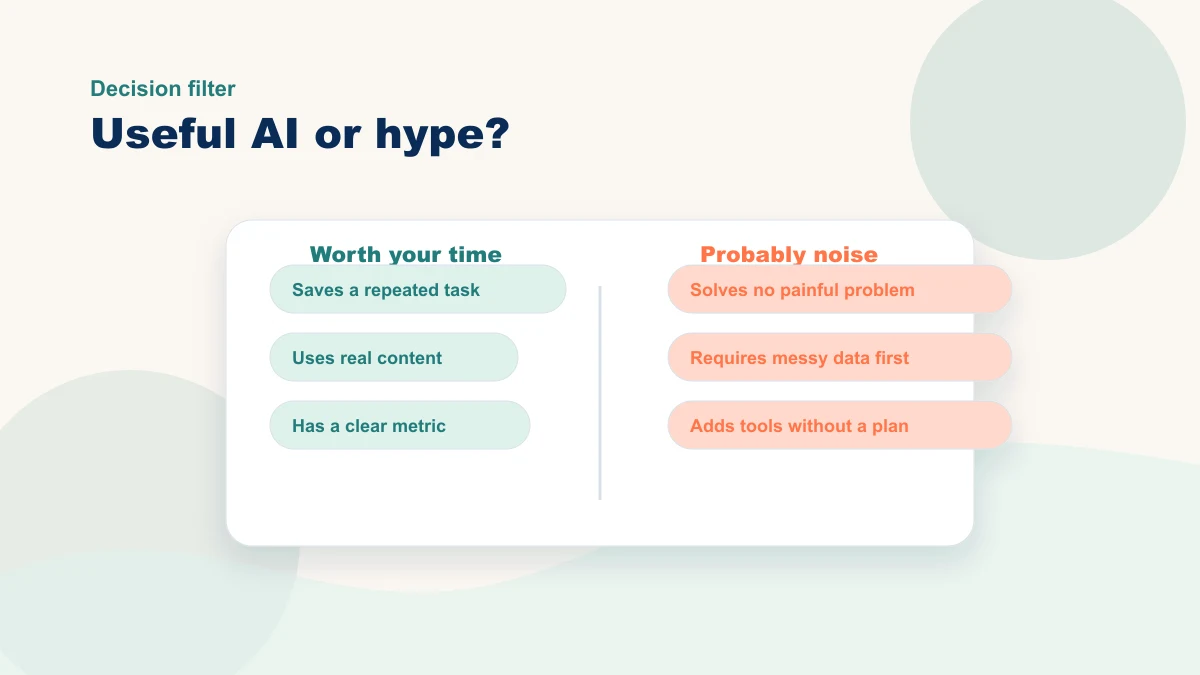
A good first project repeats often, uses a reliable input, has a named reviewer, carries bounded risk, and has a result you can measure.
First, it needs enough real volume to observe. A daily task may reveal patterns quickly; a monthly task may still be useful but needs a longer test window.
Second, the current burden must justify setup and review. Measure volume, handling time, correction time, and interruptions rather than relying on a universal minutes-saved threshold.
Third, risk must be bounded, never assumed absent. Keep complaints, financial disclosures, legal or safety language, pricing, and other consequential communications human-led. Even a common FAQ draft needs an approved source and review.
Fourth, you know when the answer is good. If you are automating something creative or judgment-based, you need to be able to tell if the result is right. That makes it harder to run hands-off. Start simpler.
Four Illustrative Candidates
Use these as candidates to score against your own baseline:
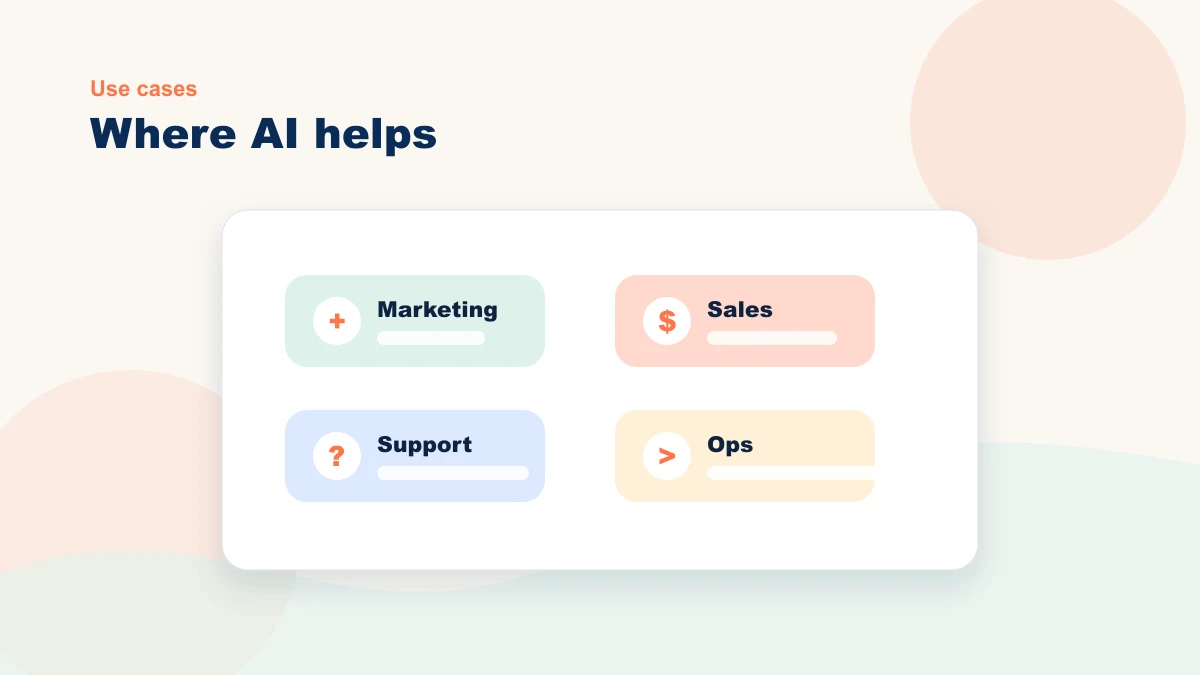
- Lead reply drafts. Source: approved offer and response examples. Human check: fit, facts, promise, and next step. Measure: draft time, review time, correction rate, and qualified follow-through.
- Content repurposing drafts. Source: one approved video, article, or transcript. Human check: facts, voice, and channel fit. Measure: total production time, revisions, and useful pieces published.
- Admin summary. Source: controlled notes or tickets. Human check: missing context, priority, and decisions. Measure: preparation plus review time and missed actions.
- FAQ draft. Source: current policies and repeated questions. Human check: accuracy, limits, and escalation. Measure: review effort, repeat questions, and unsupported answers caught.
Each of these checks all four boxes. The trick is matching the project to the bottleneck you actually have, not the one that sounds most impressive at a networking event.
The Simple Decision Table
Compare your top three options on these three dimensions:
| Project | Source requirement | Human review | Primary measure |
|---|---|---|---|
| Lead reply drafts | Approved offer and examples | Fit, facts, promise | Draft plus review time |
| Content repurposing | Approved source asset | Facts, voice, channel | Useful pieces published per total hour |
| FAQ draft | Current policies and answers | Accuracy, limits, escalation | Corrections and repeat questions |
| Admin summary | Controlled notes or tickets | Missing context and priority | Handling time and missed actions |
Choose the candidate whose source, reviewer, risk, and measurement are clearest in your business. The same project can be easy in one operation and unsuitable in another.
A Fill-In Scorecard You Can Use
Before you choose, score each possible project from 1 to 5. A high score means the project is easier to finish and easier to trust.
| Question | Score 1 | Score 5 |
|---|---|---|
| How often does this task happen? | Monthly or less | Daily or weekly |
| How easy is the output to review? | Requires expert judgment | You can spot good vs. bad quickly |
| How risky is a mistake? | Customer, legal, or financial risk | Internal draft or low-stakes support |
| How clear is the measurement? | Hard to prove | Time saved or output count is obvious |
Use the score to compare candidates, but inspect any close result before choosing. A narrow project with fewer dependencies is easier to observe and stop. Once the first test produces usable evidence, use the 90-day roadmap approach to decide what should follow.
Where Owners Get Stuck
A list of ideas does not choose the first project. The decision often slows when the source, reviewer, risk, dependency, or measurement is still unclear:
- The prompt may not be the problem—the input may be. A generic answer can reflect missing tone, offer facts, customer language, or examples. Improve the source before switching tools.
- It works for the owner but not the team. You can get good results yourself, but when you hand it to a staff member, the quality drops. That's a process problem, not a tool problem.
- It works for two weeks, then quietly dies. Without a measurement habit, the new workflow gets dropped the first busy week. The fix is small but specific.
These are reasons to define ownership, source material, review, and measurement before the test—not reasons to force a rollout.
What to Do This Week
Pick one task and use non-sensitive sample material to prepare a draft. Record setup, generation, review, corrections, and the result. Decide whether the full handoff deserves a live supervised test.
Do not overthink it. Do not wait for the perfect tool or the perfect process. Just try one thing on one workflow and see what happens.
If the sample is promising, choose an observation window that fits the task volume and measure the full process. If it is not, fix the source, revise the scope, or stop. Use AI ROI for Small Business to make the decision explicit.
And if you'd rather not guess which one to pick — or you want someone to look at your actual workflows before you spend a month on the wrong project — that's exactly the kind of thing I help small business owners with. A 15-minute workflow review can compare the top candidates, expose missing prerequisites, and identify the next decision. A full sequence should follow evidence from the first test.
You can read the AI roadmap post for how to sequence projects over time, see how a consultant helps compress the trial-and-error phase, review how I work with small businesses, or book a free 15-minute bottleneck review if you'd like a second opinion on your specific situation.