“I do not know where to start, and I do not want to waste money chasing hype” is a reasonable position. AI is not a replacement for customer knowledge or hard decisions. It can prepare parts of repeated work when the source, limits, and reviewer are clear.
Below is a grounded map of what AI may prepare, where it should stop, and how to evaluate a first workflow without assuming it will pay off.
What AI Does Well: The Copy and Content Side
AI can prepare first drafts from permitted, approved inputs: an email template, landing-page outline, call summary, or memo structure. A person verifies facts, omissions, permissions, promises, voice, and the next action. Measure the full preparation-and-review cycle rather than assuming a time gain.
For content repurposing, a video, podcast, or long article can serve as the approved source for social, email-subject, or FAQ drafts. A person still verifies claims, context, voice, permissions, and whether each draft is worth publishing.
If content is your first use case, do not just ask for "more ideas." Give the tool a real source asset and a destination. The workflow in A 30-Minute AI Workflow for a Week of Content Drafts shows what that looks like when you want output you can actually publish.
AI can prepare the first draft. Your source material and review make it fit to use.
Drafting is a candidate when source preparation, fact-checking, voice editing, and approval are included in the measurement. A fast generic draft is not a gain if correction takes longer than writing from scratch.
Where AI Saves Repetitive Admin Work
Customer service triage is another strong use case. If your business gets emails or messages from new prospects, AI can read them, sort them by type, and flag the urgent ones. You still answer the important messages, but you are not spending the morning sorting them.
Lead follow-up is similar. AI can prepare a draft from the original inquiry and approved offer language. A person decides whether follow-up is appropriate, verifies the details, and approves the send.
For a lead-heavy business with a measured response delay, the inquiry handoff may be a revenue-adjacent candidate. A faster draft will not fix a weak offer, and improvement must be tested against reviewed response time, quality, and booked-call follow-through. The more detailed playbook is in How AI Can Help Small Businesses Respond to Leads Faster.
Common admin candidates to baseline and test:
- Weekly summaries of customer feedback or support tickets
- Meeting note transcription and basic action items
- First pass at FAQ or internal documentation
- Draft responses to common questions
- Social media post outlines or captions
- Email newsletter drafts or topic ideas
The value varies by volume, input quality, exceptions, and review burden. Record the old process and compare the full AI-assisted handoff before claiming time or margin.
SEO Support and Content Planning
AI can help with SEO in a practical way. It can analyze a competitor's pages and identify gaps in your content. It can suggest keywords for a new blog post or help you outline one. It can audit your current pages and flag missing meta tags or thin sections.
What it cannot do is promise rankings. Generated text is not evidence of usefulness, originality, authority, or search performance. Start from real customer questions and approved expertise, review every claim, and measure the page rather than output volume.
If you have an approved topic and source, AI may prepare the draft. If the topic, evidence, or audience is still a guess, generated fluency does not make it knowledge.
Use AI for SEO planning when it helps organize real customer questions, identify gaps in existing pages, and build better briefs. For a grounded version of that process, read How AI Can Make SEO Planning Easier for Small Businesses.
What AI Does NOT Do Well (Yet)
AI is not accountable for judgment calls. If you ask it to decide whether to hire someone, offer a customer a discount, or pivot your business, it can give you a reasonable-sounding answer without an adequate basis. It has no skin in the game and no accountability.
That is your job, and it is also where outside perspective matters more than tooling. AI can help you gather information and think through options, but the call is yours to make.
AI also lacks your brand voice unless the workflow supplies examples and rules. Build a small approved source, test drafts, and log recurring corrections. The effort depends on the number of channels and reviewers involved.
Trust is the third issue. Customers know when something feels written by algorithm. For high-stakes communication, personal email, or anything that builds relationship, you need to write or at least shape what goes out. AI can draft it, but the voice has to be yours.
Where to look first
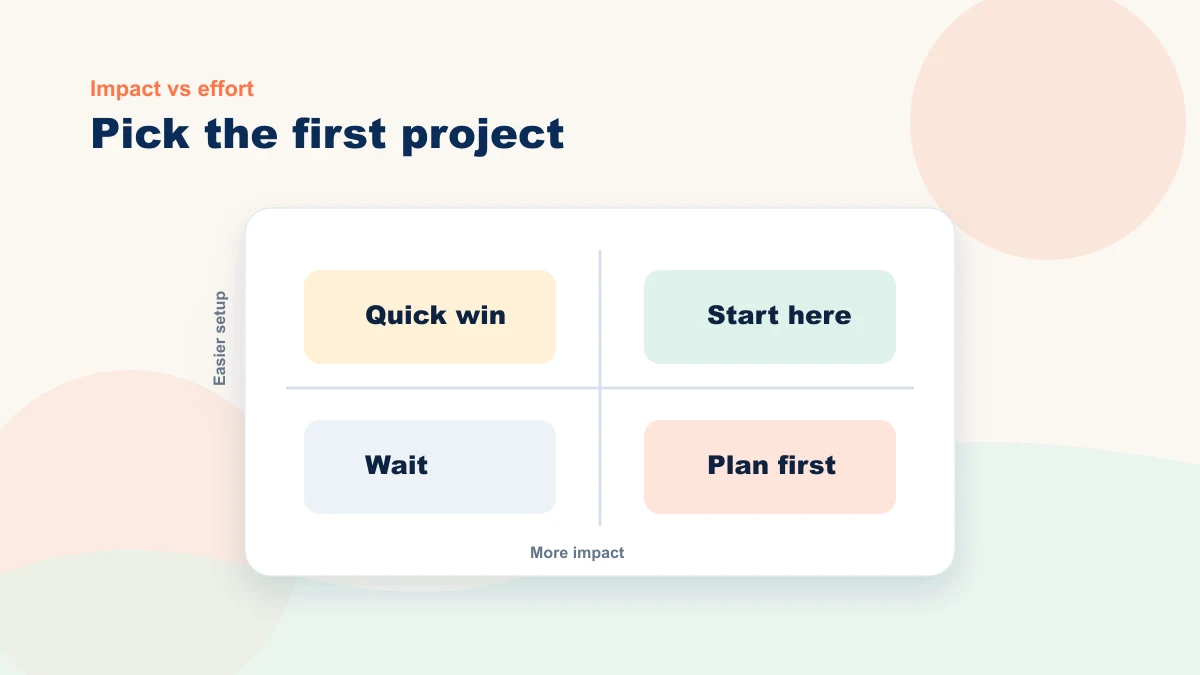
Start with one workflow that already wastes your time. Do not pick the most ambitious thing. Pick the repetitive thing you dread doing every week.
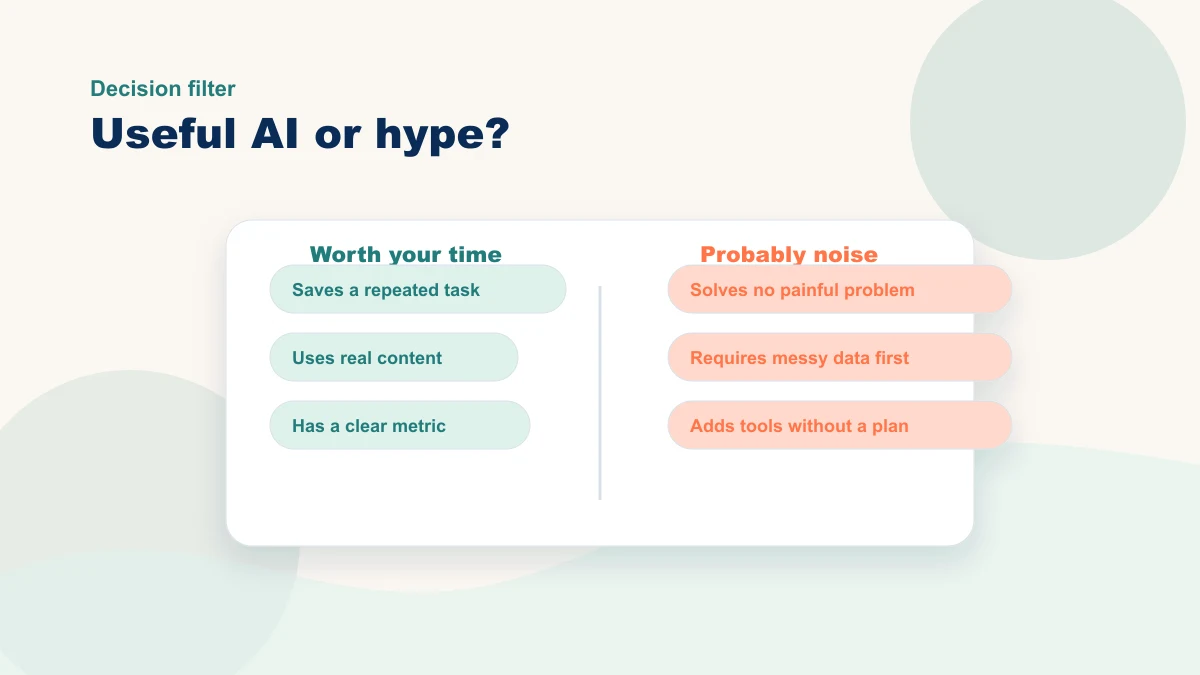
Ask: Which repeated task has a reliable input, a clear reviewer, bounded risk, and a result I can measure? That is the first place to look.
Use non-sensitive sample material to test a draft. Record setup, generation, review, corrections, and outcome. A weak result may reflect the source, scope, prompt, tool, or suitability of the task—inspect each before proceeding.
The best first AI project is one you can observe often enough to judge. Use the AI ROI guide to choose the metric and review window.
| Common stall point | What it usually means | Better next move |
|---|---|---|
| AI writes generic drafts | The tool does not have your offer, tone, or customer examples | Build a small prompt library around real business context |
| The team stops using it | The workflow was not clear enough to repeat | Turn the test into a written process with one owner |
| No one can prove it helped | The project launched without a metric | Track one number for 30 days before expanding |
Where AI workflows break down
Inconsistent results often trace back to an undefined workflow, incomplete source material, missing review ownership, or no baseline. Switching tools does not resolve those design gaps.
That is the gap I help close. Review how the engagement is structured or book a free 15-minute bottleneck review. Bring one repeated task; we will map its source, AI-prepared step, human decision, exception path, and first metric.
The practical line is simpler than the hype: AI can prepare patterned work; people retain judgment, accountability, and trust. Start with one bounded workflow and let evidence decide what follows.