If you run a small business, the AI conversation in 2026 can feel like a moving target. One person says you need to automate everything. Another says you will be left behind. A vendor tells you one tool will transform your company almost overnight. None of that is especially useful when you still need to answer customer questions, publish content, follow up with leads, and keep your site updated.
This guide turns the noise into a working model. You will see four common workflow categories and a five-step process for using website and business content as trusted input while keeping review and consequential decisions human.
What AI actually means for a small business
For an owner-led business, a practical AI use is often a bounded layer on top of work the team already does—not a replacement for staff or judgment. That might look like drafting better first-response emails, identifying SEO opportunities on your existing pages, helping a support chatbot answer common questions, or turning customer data into more relevant offers.
In other words, AI is less about buying a futuristic platform and more about improving a workflow you already have. That is why your current website matters. If it already captures leads, answers questions, lists products, or publishes content, you already have the raw material AI needs. That is the practical starting point: inventory the source material and workflows you already own before adding a tool.
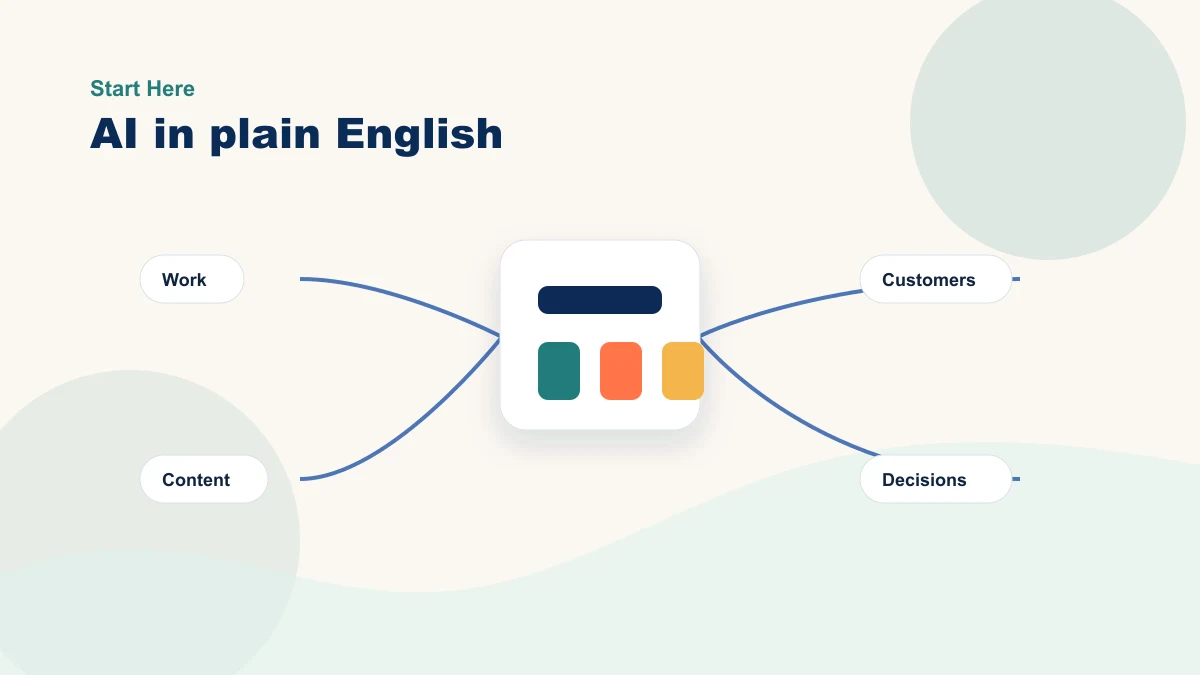
Plain-English model
AI works best as a workflow layer
A practical setup connects the business material you already trust to a faster draft, summary, recommendation, or next step.
FAQs, service pages, emails, notes, product data
Draft, sort, summarize, suggest, compare
Approve, edit, route, publish, follow up
Where AI commonly prepares repeated work
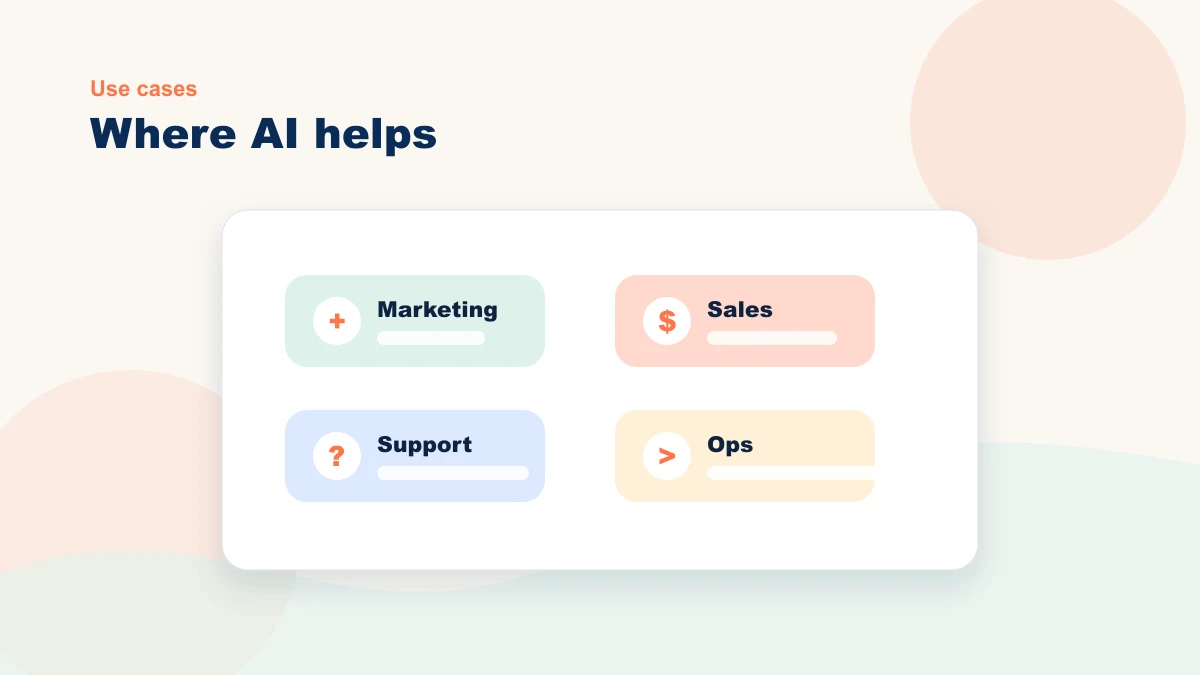
Useful candidates often cluster in four areas. Treat these as starting points to map and measure, not promised outcomes:
Marketing
A content workflow can use one approved seasonal article to prepare channel-specific drafts. A person still checks facts, claims, voice, and fit. Measure the full source-to-publish time against the old process. The patterns in AI Prompts for Small Business Marketing give the draft a clearer job.
Sales
In the site's anonymized professional-services case, an AI assistant prepared a follow-up draft from the inquiry in under 60 seconds. The owner reviewed or edited every first response, and the reviewed message was sent in under two minutes. Read the lead-response workflow and the case limitations before treating that result as relevant to another business.
Customer Support
An illustrative support workflow could connect a narrowly scoped chatbot to approved FAQ and shipping pages, require source visibility, and route unsupported questions to a person. If support is the pinch point, start with AI for customer service before shopping for a chatbot.
Operations
A service business may use an approved recording and consent process to prepare action-item drafts from calls. A person checks omissions, ownership, and sensitive details before anything enters the project tool. For more candidates, see 10 repetitive business tasks AI can help with.
Decision chart
Where repeated work may offer a clear first test
Use this as a prioritization guide, not a universal ranking. The best starting point is the workflow where your team already feels the drag.
| If your biggest pain is... | Start here | Measure this first |
|---|---|---|
| Blank-page marketing | Prompt templates and a weekly content workflow | Pieces published per week |
| Slow lead response | Drafted replies for common inquiry types | Minutes from inquiry to first response |
| Repeated support questions | FAQ cleanup and draft response templates | Questions resolved without owner involvement |
| Admin follow-up | Call summaries, task extraction, and weekly review notes | Hours saved each week |
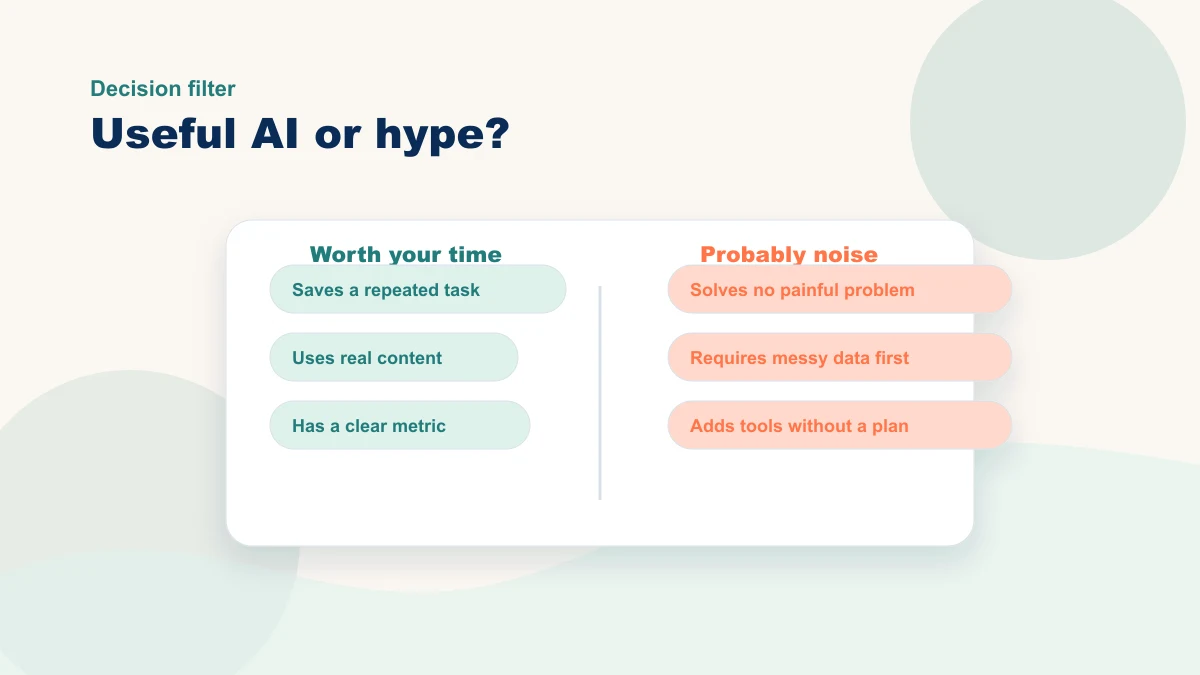
Notice what these all have in common: they are narrow enough to be useful. That is the right mental model. An organization-wide AI goal hides the source, reviewer, risk, and metric; one bounded workflow makes those decisions visible. Start with one specific workflow, not with the phrase "we need AI."
What to prioritize in 2026
Prioritize real workflows over blanket promises. A strong AI plan connects to a real customer journey, shows value in a manageable amount of setup, and treats privacy as part of the decision from the beginning.
Start with a workflow you already understand: known inputs, a named reviewer, bounded risk, and a result you can measure.
If you cannot explain in one sentence what the tool is supposed to improve, the workflow needs more definition before implementation. An outside perspective can help expose missing sources, decisions, exceptions, or measurements.
A practical rule is to start where the repeated burden is already observable. Record the baseline and reviewer before testing; defer ideas that are interesting but lack a clear owner, decision, or measurable need.
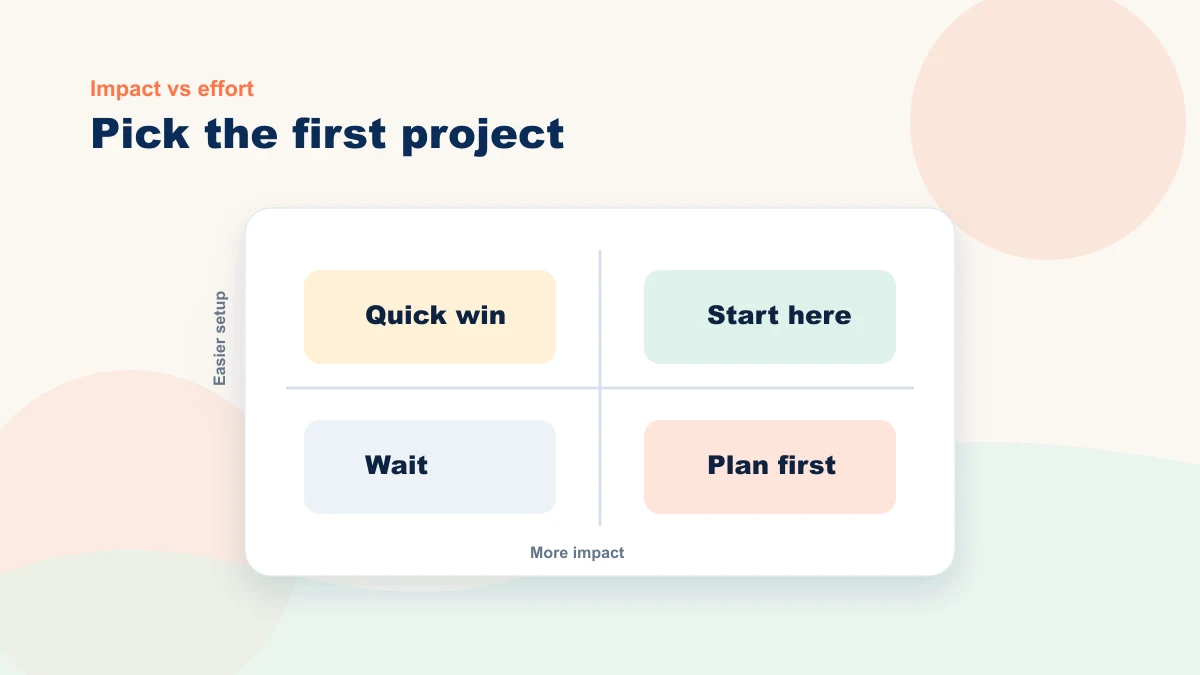
Priority matrix
How to choose the first workflow
Look for the box where pain is visible and the business already has enough context for AI to use.
High pain, clear inputs, easy review
High pain, missing examples or source material
Low pain, clear inputs, limited upside
Low pain, unclear inputs, hard to measure
How to start with more clarity
Start by choosing one workflow that is already repetitive and important. Good examples include inquiry response, content planning, service-page updates, customer support, or follow-up emails.
- Define the workflow clearly. Write it in one sentence: "Every time X happens, we do Y." If you cannot, the workflow is not ready for AI yet.
- List the inputs it already uses - FAQs, service pages, product data, past emails, spreadsheets, or call notes. AI is only as good as the context you give it.
- Decide what a better outcome looks like. Faster responses? Higher conversion? Fewer support tickets? Pick one measurable result.
- Test one tool or one prompt against that workflow - not five. Limit your variables.
- Measure the difference. Compare before-and-after on the metric you chose. If it did not move, change one thing and try again.
Workflow map
The five-step first project loop
One repeat workflow
Pages, FAQs, notes, data
One success metric
One tool or prompt
Improve or expand
That is the framework. Use it yourself or bring in help when the metric, tool fit, privacy risk, integration, or human handoff is unclear. If you want a more focused version, read The Best First AI Project for a Small Business next.
The real advantage for small businesses
An owner-led business may have fewer approval layers, but it also has less spare capacity for a failed rollout. Keep the first workflow narrow, supervised, and reversible.
When AI is introduced with discipline, it may improve response, organization, or consistency in a bounded workflow. Practical adoption means testing that result with assets you already own, not assuming it replaces staffing or expertise.
Your next step
If you take one thing from this guide, take this: pick one workflow this week - the one that is most repetitive and most important - and run the five-step test above on it. You do not need a strategy deck. You need one clear experiment.
If the first workflow or tool is unclear, bring one repeated task to a bottleneck review. We will map the source, prepared output, human decision, risk, and metric before choosing the next step.